 CourseDraw
 Publish to Equipe Online
Link the sketch to an Equipe class and publish it to the competition system.
CourseDraw can publish course sketches to Equipe Online so the right class gets the right sketch in the competition system.
Prerequisites
- Your account is linked to Equipe under Account settings.
- The folder that contains the sketch is marked as a competition and linked to an Equipe event — see Library.
- You are online and the sketch is synced to the cloud.
- The sketch is open in the editor.
Publish from the editor
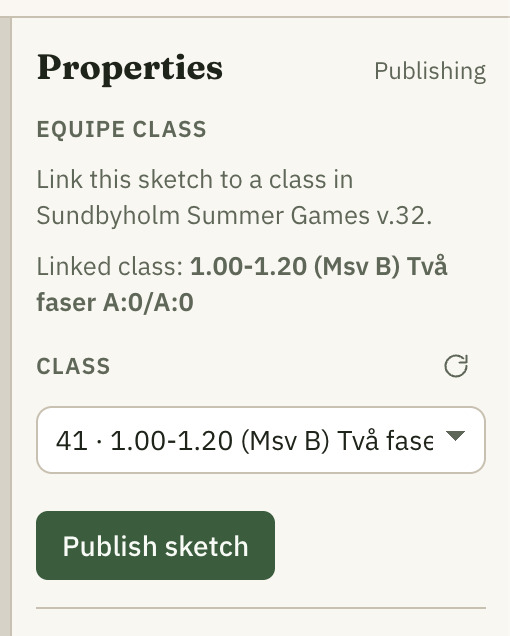
- Open Publishing tab.
- Under Equipe class you see which event the folder is linked to.
- Select the correct Class in the list (refresh the list with the refresh icon if needed).
- Click Publish sketch.
When publishing succeeds, the sketch is available for the class in Equipe Online.
Tips
- Check Presets at Display before you publish so the right layers and markings appear on the public sketch.
- If the button is disabled you are usually missing network, cloud sync, or a selected class — the app shows what is missing.
- You can change class and publish again after updating the sketch.